Shoptet Boxes
This functionality allows you to predefine different sizes of your packets. You no longer need to enter dimensions for each individual product, but you can assign them from a prepared list. In the following lines, we will set up one such box together.
Settings
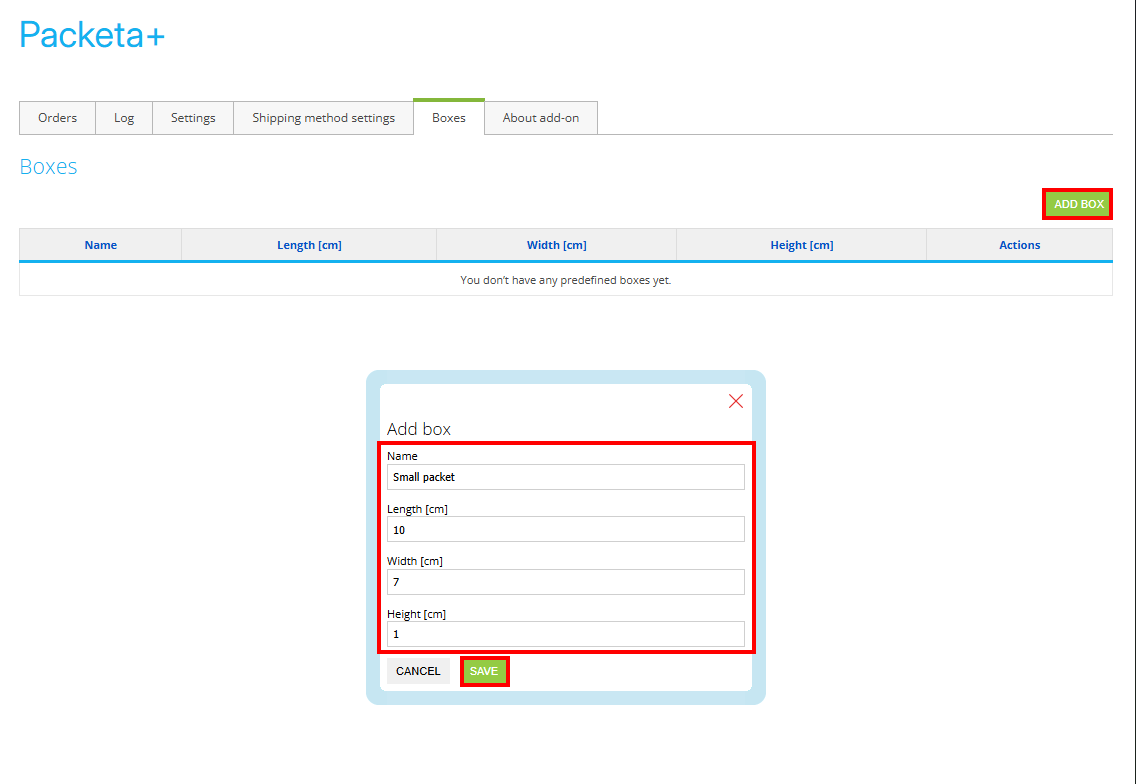
In the administration of your e-shop, go to Connections → Zásilkovna+ → Boxes. Click the green Add box button. Choose a name (Small packet), fill in the dimensions and Save.
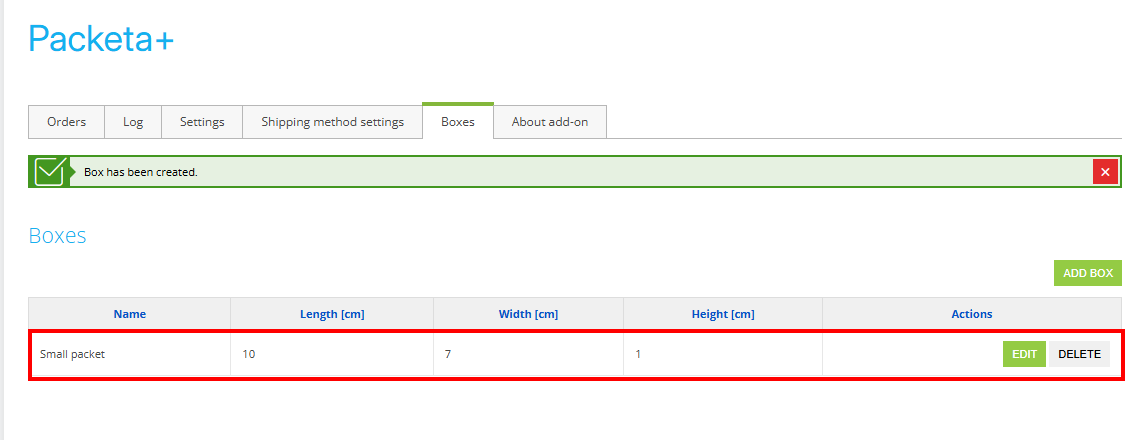
After saving, the box will appear in the list.
Orders
Go to Integrations → Zásilkovna+ → Orders, where you can select this box for orders to populate the dimensions.
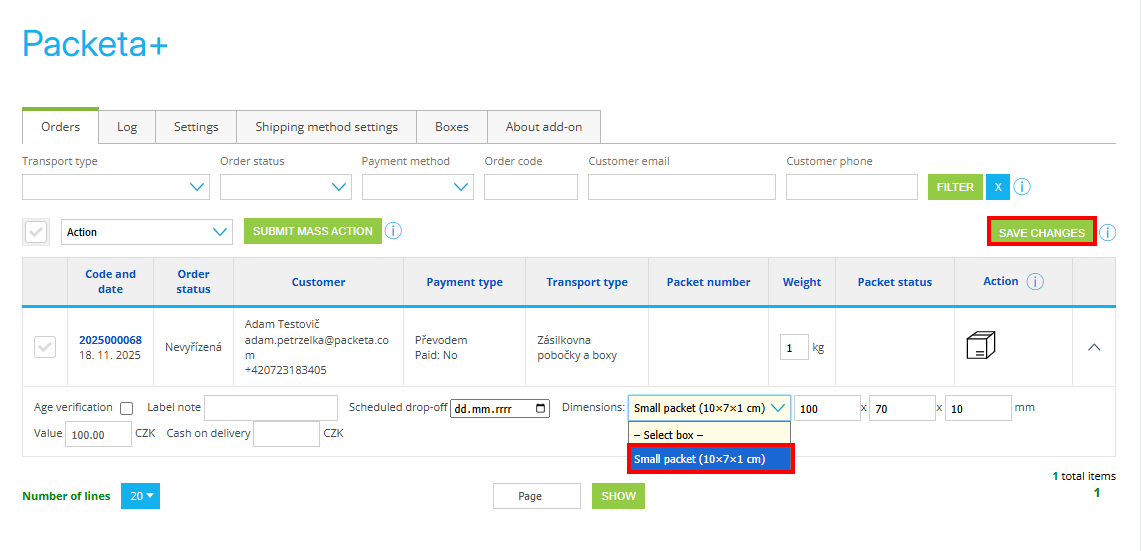
After selecting the box, click the green Save changes button.
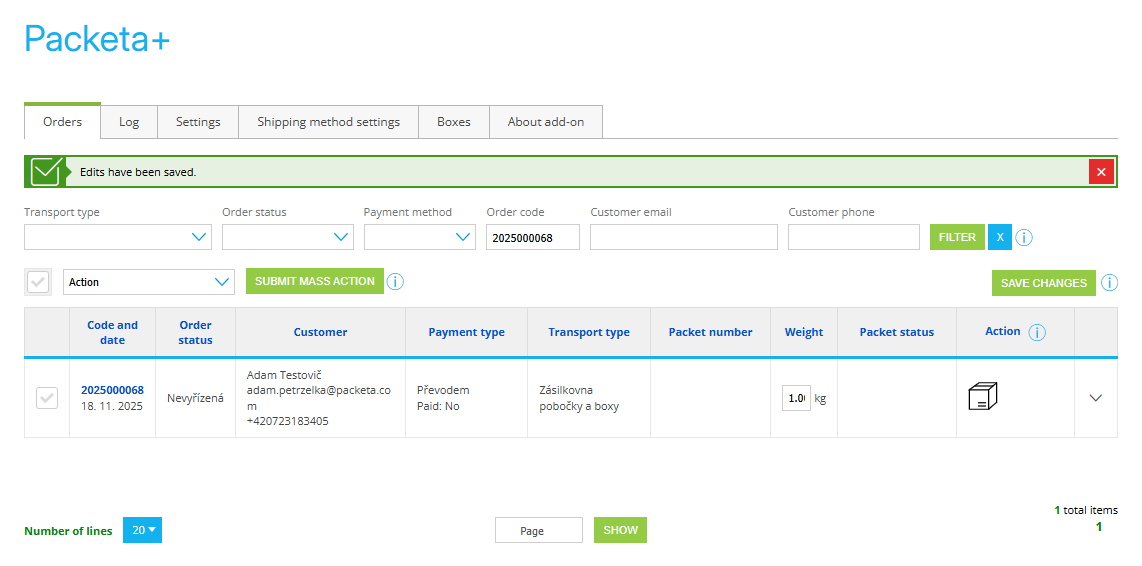
The order will be saved with the selected dimensions of this box.
Didn’t find the answer to your question? Our team is available at integrations@packeta.com.