Return packet
The Packeta plugin allows you to create a packet claim, which lets customers return goods they purchased from your e-shop. To create a packet claim, the original packet (forward packet) must be in the delivered status. This means the customer has received the packet, and any cash on delivery was paid.
You can check the current status of the packet in WooCommerce → Orders. The packet status changes according to the settings in Packeta → Settings → Packet Status Tracking. You can learn how to enable status synchronization here.
Creating a packet claim
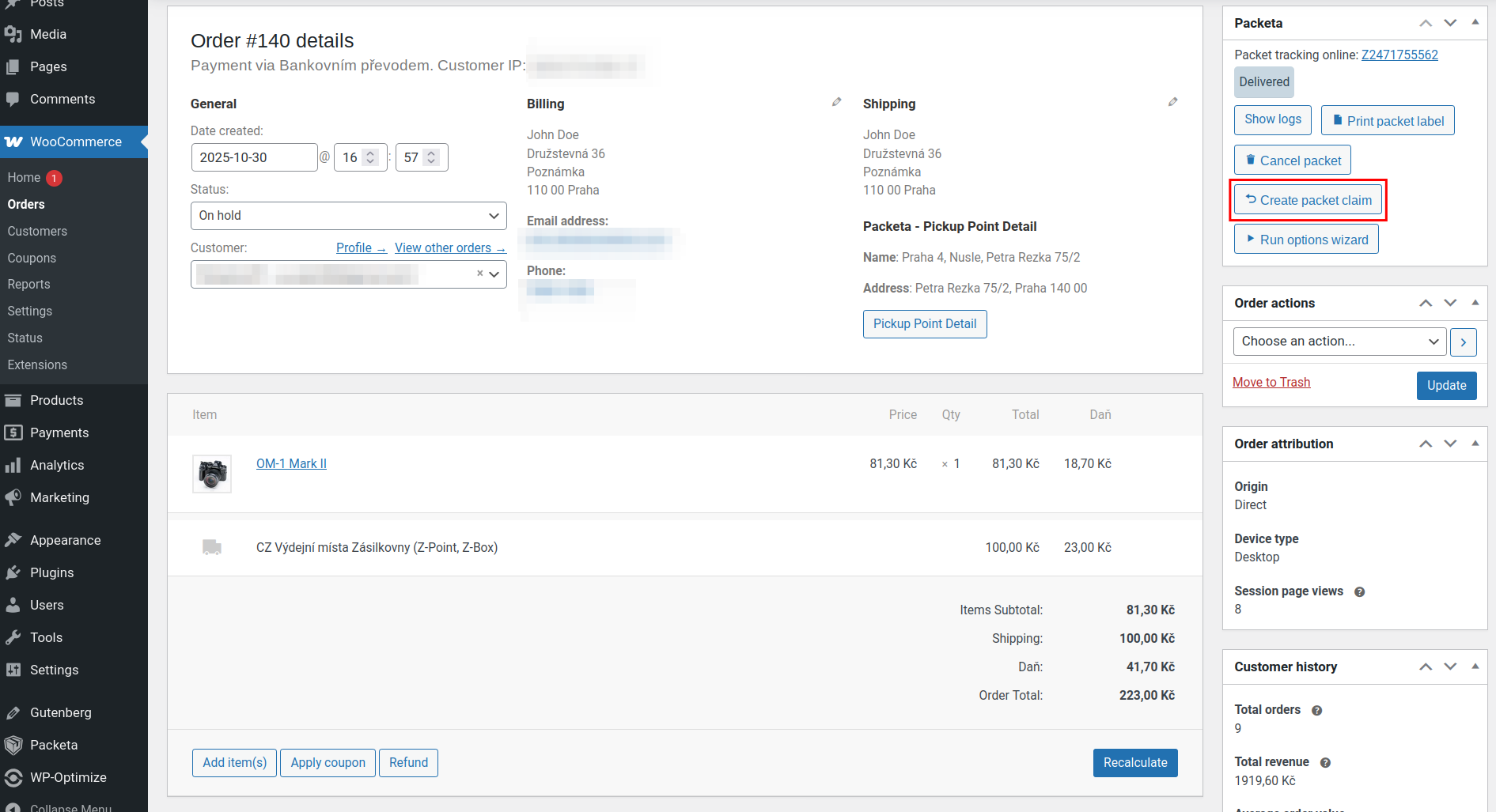
You can create a packet claim as follows. In the order overview (WooCommerce → Orders), locate the packet you want to return and open its details. In the Packeta box, the Create packet claim button will appear.
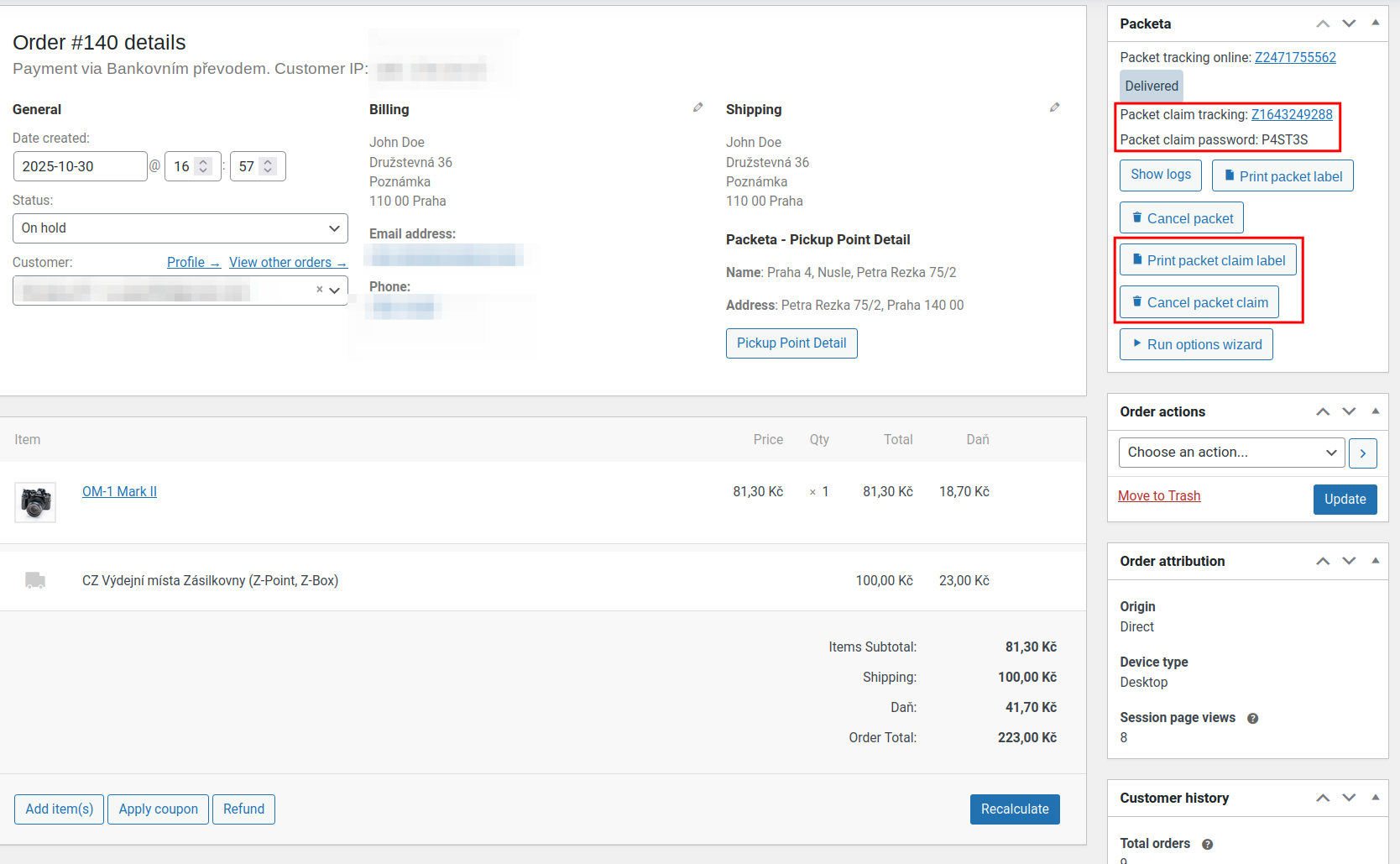
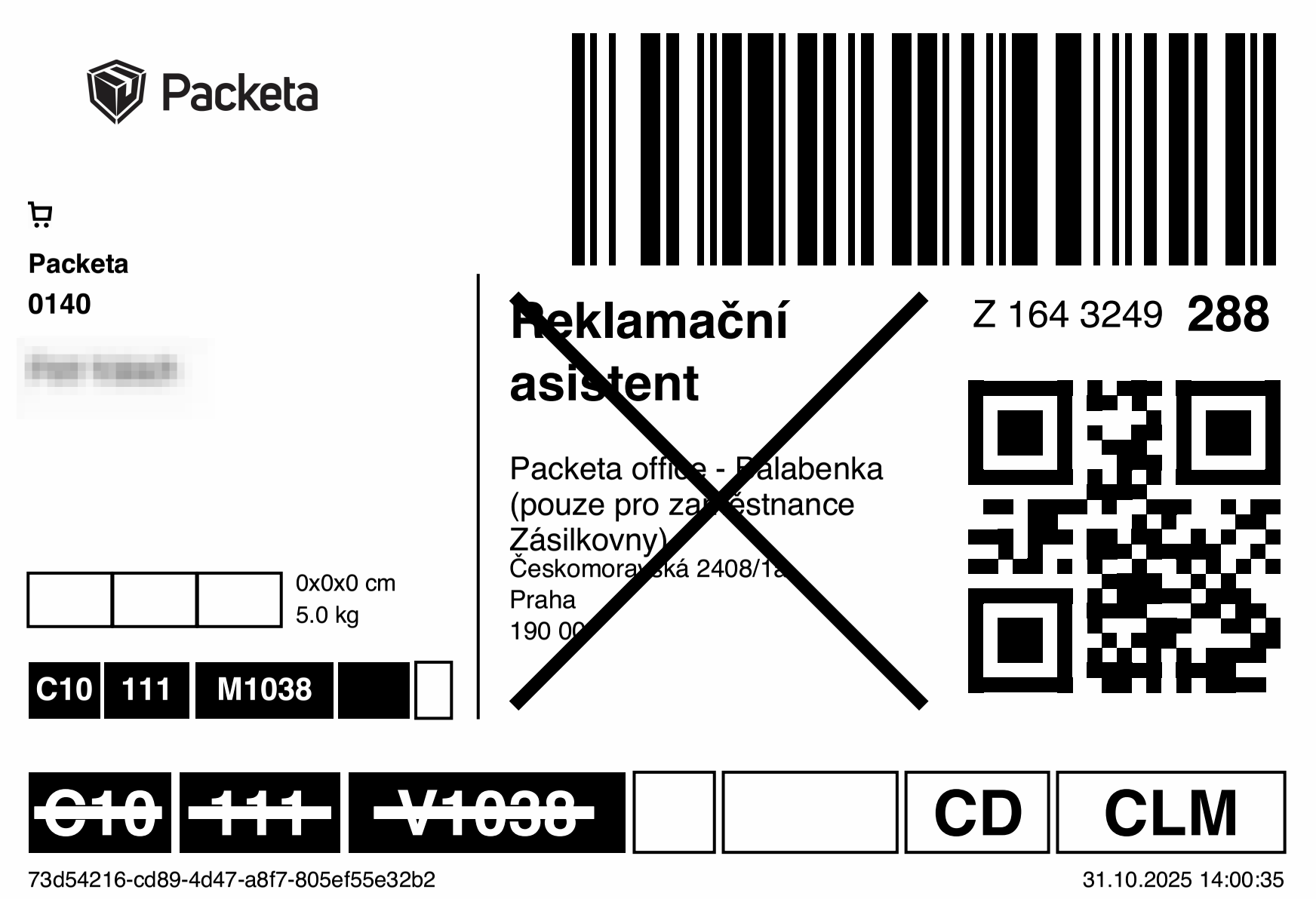
Print the label by clicking Print packet claim label. After creating the packet claim, the packet number and packet claim password for handing in the packet will appear in the Packeta box.
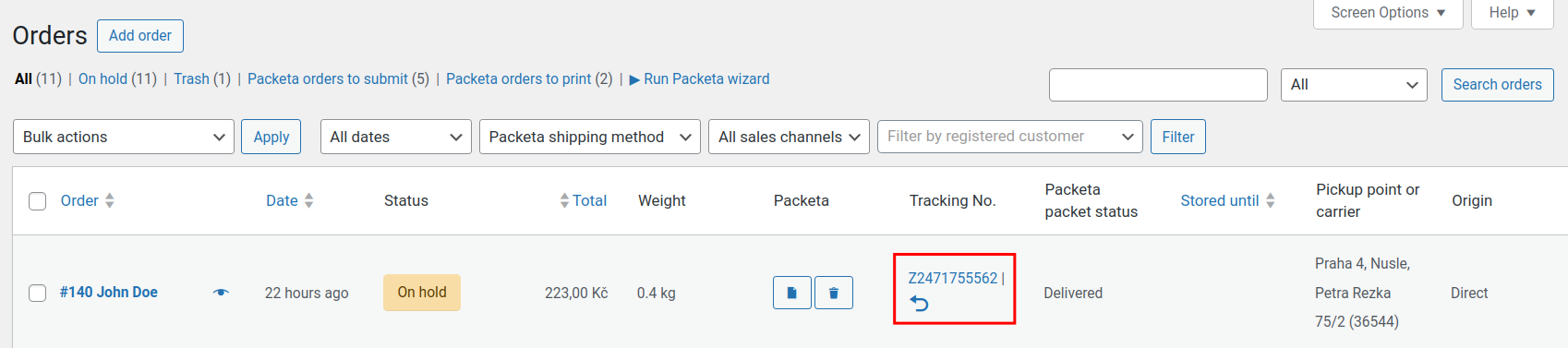
In WooCommerce → Orders → Tracking number, you will see the tag of the created packet claim.
Information for the customer
After successfully creating the packet claim packet, you need to provide the customer with the information for sending it back. You have two options:
- Label – send the label you created in the previous step to the customer. They print it, attach it to the packet, and bring it to a drop-off point.
- Password – in the previous step, you also generated a password. The customer can bring this password to the drop-off point, and the staff will print and attach the label for them.
Cancellation
You can cancel a packet claim using the button in the packet detail view. A canceled assistant cannot be restored, but you can create a new one for the same packet.
Didn’t find the answer to your question? Our team is available at integrations@packeta.com.